

Simple API. Build your own dashboard.
Use WorkPhotos to collect job photos in the field, then pull job lists, photo history, notes, timestamps and report links into your own system.
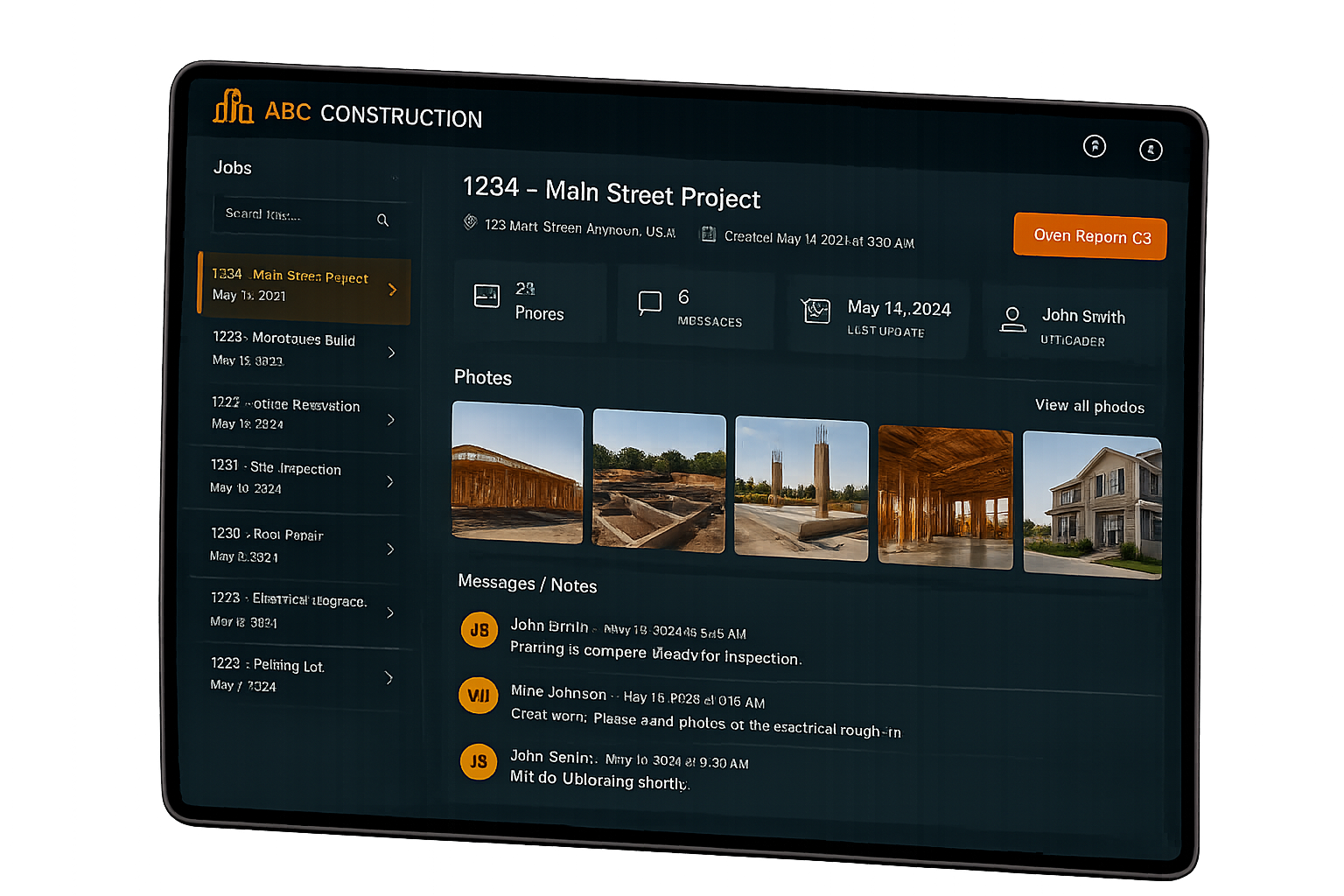
Collect with WorkPhotos. View it where you need it.
WorkPhotos makes it simple for teams, contractors and customers to upload photos against a job.
The Developer API lets you bring that job activity into your own dashboard, internal system, customer portal or workflow.
Your team can keep using WorkPhotos as the photo collection tool, while your business displays the data wherever it is most useful.
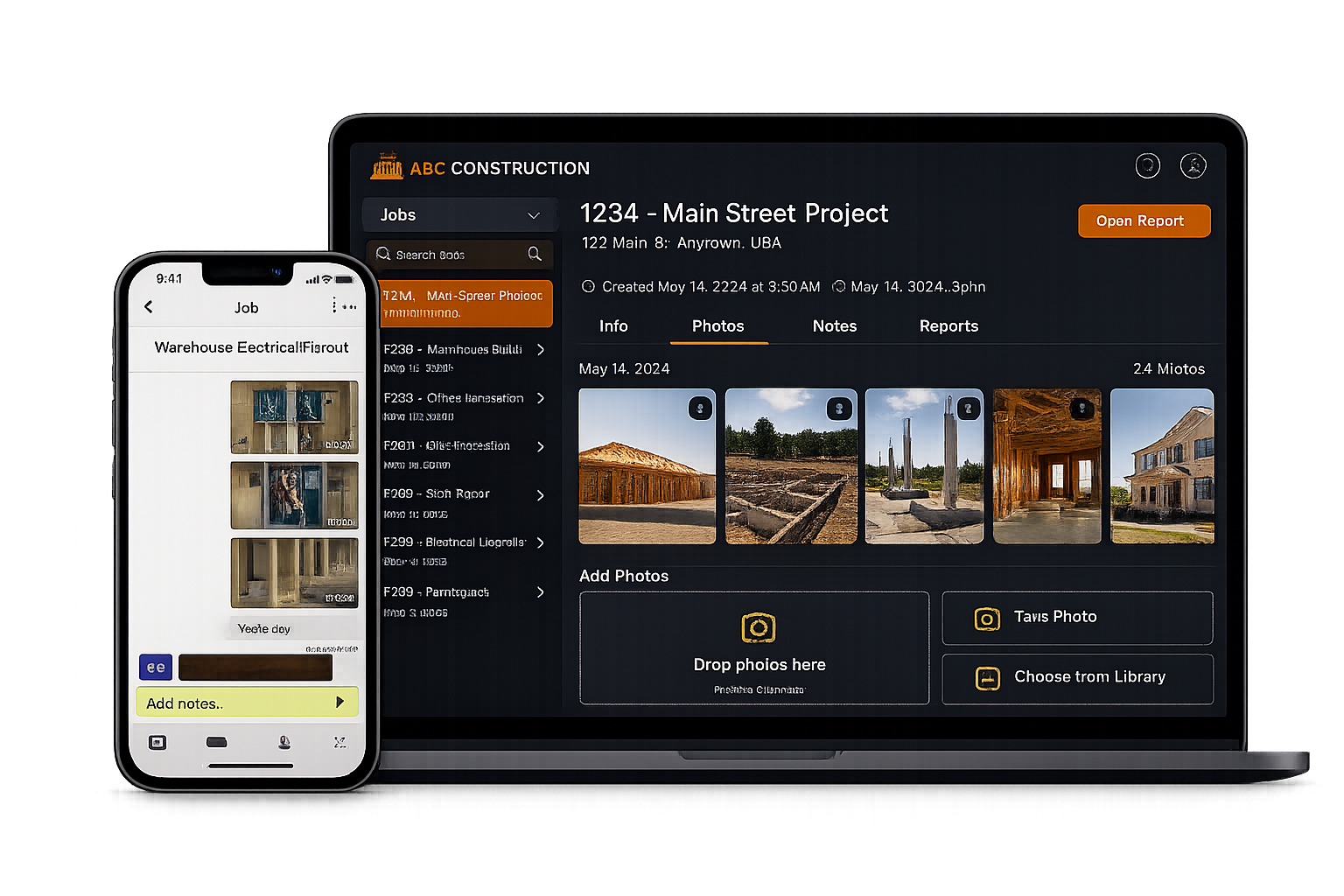
What you can build
Internal dashboards
Show recent jobs, photo activity, notes and report links in one place.
Customer portals
Let customers view job progress, uploaded photos or completed work records from your own system.
Operations screens
Give office teams a quick view of job updates without switching between tools.
Proof of work views
Use timestamps, uploader details, notes and images to support job records.
Simple API. Practical job data.
The WorkPhotos API uses simple JSON POST requests and is designed around practical job photo workflows.
Pull the data your dashboard or internal system needs, without making your team change how they collect photos.
- List jobs
- Open job details
- View photo history
- Read notes and messages
- Access timestamps
- Link to reports
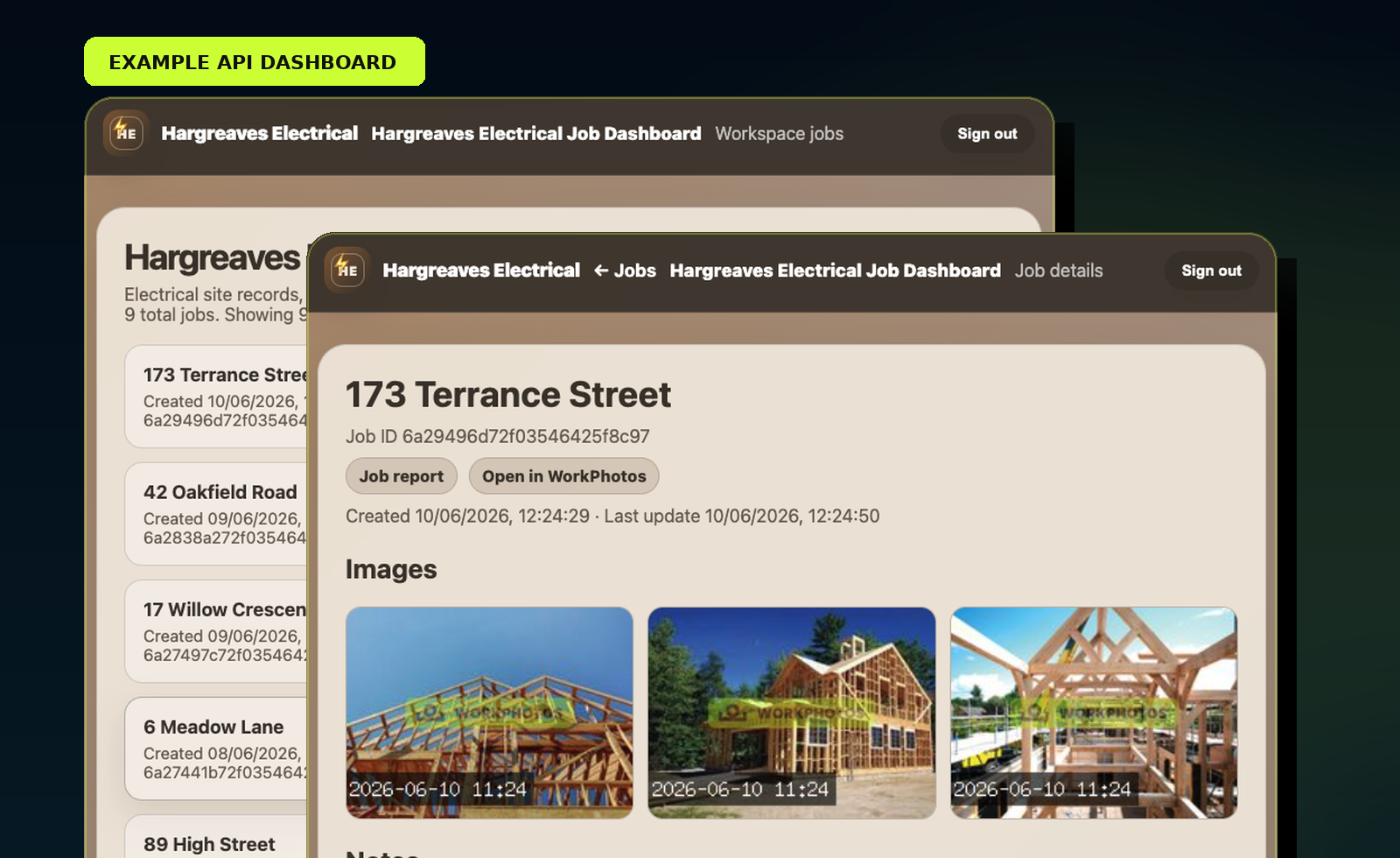
Example dashboard workflow
A basic dashboard can list jobs on one side and show the selected job’s photos, notes, timestamps and report links on the other.
List jobs from your workspace
Select a job
Pull job details
Display photos, notes and report links
Useful for teams that need photo records in more than one place
WorkPhotos can stay as the simple photo collection tool for your team, while your own system becomes the place where managers, customers or office staff view the data.
Frequently asked questions
Who can use the WorkPhotos API?
The WorkPhotos Developer API is available to Premium users.
What can I pull from the API?
You can pull job lists, job details, photo history, notes, timestamps, uploader information and report links.
Can I build my own dashboard?
Yes. You can use the API to show WorkPhotos job activity inside your own dashboard, portal or internal system.
Is this only for developers?
The API is technical, but the use case is simple: collect photos with WorkPhotos, then display the data where your business needs it.
Where are the technical docs?
The technical API documentation is available at /developer-api.
Collect photos in WorkPhotos. Show them in your own system.
Build dashboards, portals and workflows around the job photo data your team already collects.