
A simpler CompanyCam alternative for job photos
WorkPhotos helps trade and service teams capture, organise, share and report job photos without paying for a heavy project-management platform.
Photos organised by job
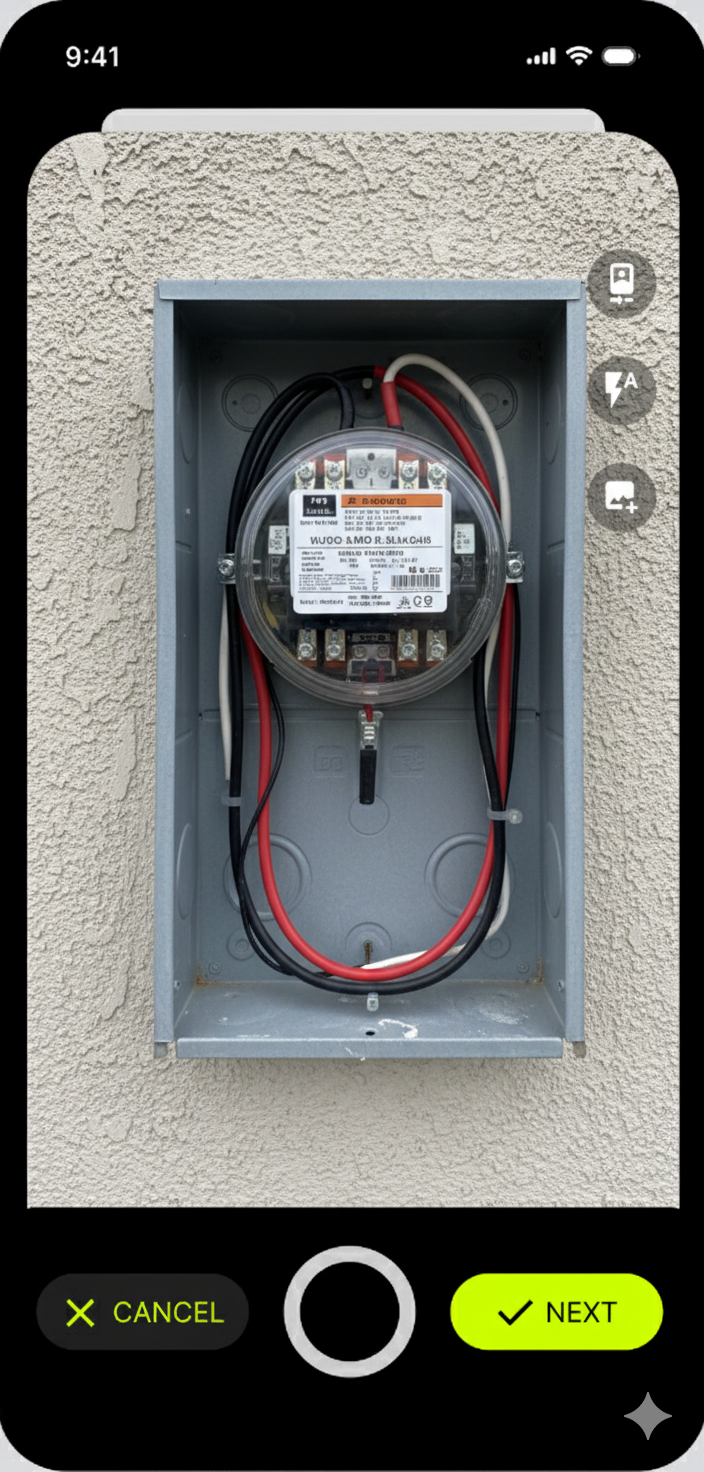
Fast mobile photo capture for field teams
Notes, timestamps and customer-ready reports
Web and mobile access
Simple pricing for small and growing teams


Looking for a CompanyCam alternative that keeps things simple?
CompanyCam is a well-known photo documentation platform, and for some teams it may be the right fit. But not every contractor, cleaner, landscaper, installer or maintenance team needs a large feature set, complex workflows or higher per-user software costs.
WorkPhotos is built for teams that mainly need one thing done well: job photos organised, stored, shared and easy to find.
If your team is currently using personal camera rolls, WhatsApp, texts, email threads or messy cloud folders to manage job photos, WorkPhotos gives you a simpler way to keep everything tied to the right job.
Why teams look for a CompanyCam alternative
From customer conversations, the same reasons come up again and again.
-
Some teams do not need a full project-management system. They just need a fast way to capture, organise and share job photos.
-
Per-user pricing can quickly add up when you want the whole crew taking photos.
-
If an app is too complicated, technicians, cleaners, subcontractors and site staff will avoid using it.
-
The real value is not just taking photos. It is being able to find the right job photo later.
-
Before-and-after photos, site progress, delivery checks, repair evidence and completion photos all need to be easy to share.
WorkPhotos vs CompanyCam
The right tool depends on what your team actually needs.
CompanyCam is a strong fit for teams that want a broader photo documentation platform with more advanced workflows.
WorkPhotos is a better fit for teams that mainly need simple job photo capture, notes, sharing and reports without extra complexity.
| Feature | CompanyCam | WorkPhotos |
|---|---|---|
| Photo capture | Yes | Yes |
| Job photo organisation | Yes | Yes |
| Mobile app | Yes | Yes |
| Web access | Yes | Yes |
| Photo notes | Yes | Yes |
| Customer sharing | Yes | Yes |
| Photo reports / PDFs | Yes | Yes |
| Cloud storage integrations | Yes | Google Drive, Dropbox and OneDrive |
| Advanced workflows | Stronger fit | Lighter, simpler fit |
| Best for | Teams needing a broader photo platform | Teams wanting simple job photo capture and reporting |
Built for trades, contractors and service teams
WorkPhotos is used by teams that need visual proof from the field. It works well for:
Builders and contractors
Electricians
Plumbers
HVAC teams
Roofers
Landscapers
Cleaners
Painters
Mechanics and repair teams
Property maintenance teams
Construction suppliers
Field service businesses
The common need is simple: take photos on site, keep them organised by job, and make them available to the office without chasing people for images.
Stop using WhatsApp and camera rolls for job photos
WhatsApp, texts and camera rolls are fine for quick messages, but they are not a proper job photo system.
When job photos are scattered across personal phones and chat threads, it becomes harder to prove what happened, find the right images later, or share clean updates with customers.
Common problems include:
Photos stay on personal phones
Images get mixed with personal photos
Staff leave and take the history with them
Office staff have to chase for updates
Customer evidence gets buried in chat threads
It is hard to create reports later
WorkPhotos gives every job its own place for photos, notes and updates, so your team is not relying on scattered messages and screenshots.
What WorkPhotos helps you do
Capture job photos quickly
Your team can take photos in the app and keep them tied to the right job.
Keep photos organised by job
No more digging through phone galleries, texts or email attachments.
Add useful notes
Keep context with the job photos so the office and customer know what they are looking at.
Share customer-ready proof
Send job photos or reports when customers need evidence of progress or completion.
Access photos from web and mobile
Field staff can capture photos from mobile, while managers and office users can review from the web.
Sync to your existing storage
Use cloud storage integrations such as Google Drive, Dropbox and OneDrive where needed.
Built for real field teams
Simple enough for the field. Useful enough for the office.
A photo system only works if the field team actually uses it. WorkPhotos is designed to be simple for crews, technicians and subcontractors, while still giving managers and office teams the organised record they need.
Easy for new users to understand
No heavy setup required
Clear job-based structure
Works across mobile and web
Keeps job evidence in one business-controlled place
JOB PHOTOS
Kitchen refit - 24 photos
Captured by the field team and visible to the office.
FAQ
Frequently asked questions
Is WorkPhotos a CompanyCam alternative?
Yes. WorkPhotos can be used as a simpler CompanyCam alternative for teams that mainly need job photo capture, job organisation, notes, sharing and reports.
Is WorkPhotos cheaper than CompanyCam?
WorkPhotos is designed as a lower-cost, photo-first option for small and growing trade teams. Check our pricing page for the latest WorkPhotos pricing.
Does WorkPhotos organise photos by job?
Yes. WorkPhotos is built around job-based photo organisation, so photos are easier to find later.
Does WorkPhotos replace WhatsApp for job photos?
For many teams, yes. Instead of job photos being scattered across WhatsApp, texts and personal camera rolls, WorkPhotos keeps them organised in one place.
Who is WorkPhotos best for?
WorkPhotos is best for trades, contractors, cleaners, landscapers, maintenance teams, repair teams and field service businesses that need a simple way to manage job photos.
Try a simpler way to manage job photos
If you are looking for a CompanyCam alternative focused on simple job photo capture, organisation, sharing and reports, try WorkPhotos.