
Job Site Photo Documentation App
Capture, organize, and share job site photos with automatic timestamps. WorkPhotos helps contractors and field teams document work clearly and avoid disputes.

What Is Job Site Photo Documentation?
Job site photo documentation is the process of capturing, organizing, and storing photos taken on a job site to create a clear visual record of work performed.
These photos are used to track progress, verify completed tasks, support health and safety compliance, and provide proof of work to clients, managers, or insurers.
Before and after photos
Progress photos by date
Issue and defect documentation
Completed work verification
Health and safety records
How WorkPhotos Helps You Document Job Sites
Capture Photos on Site
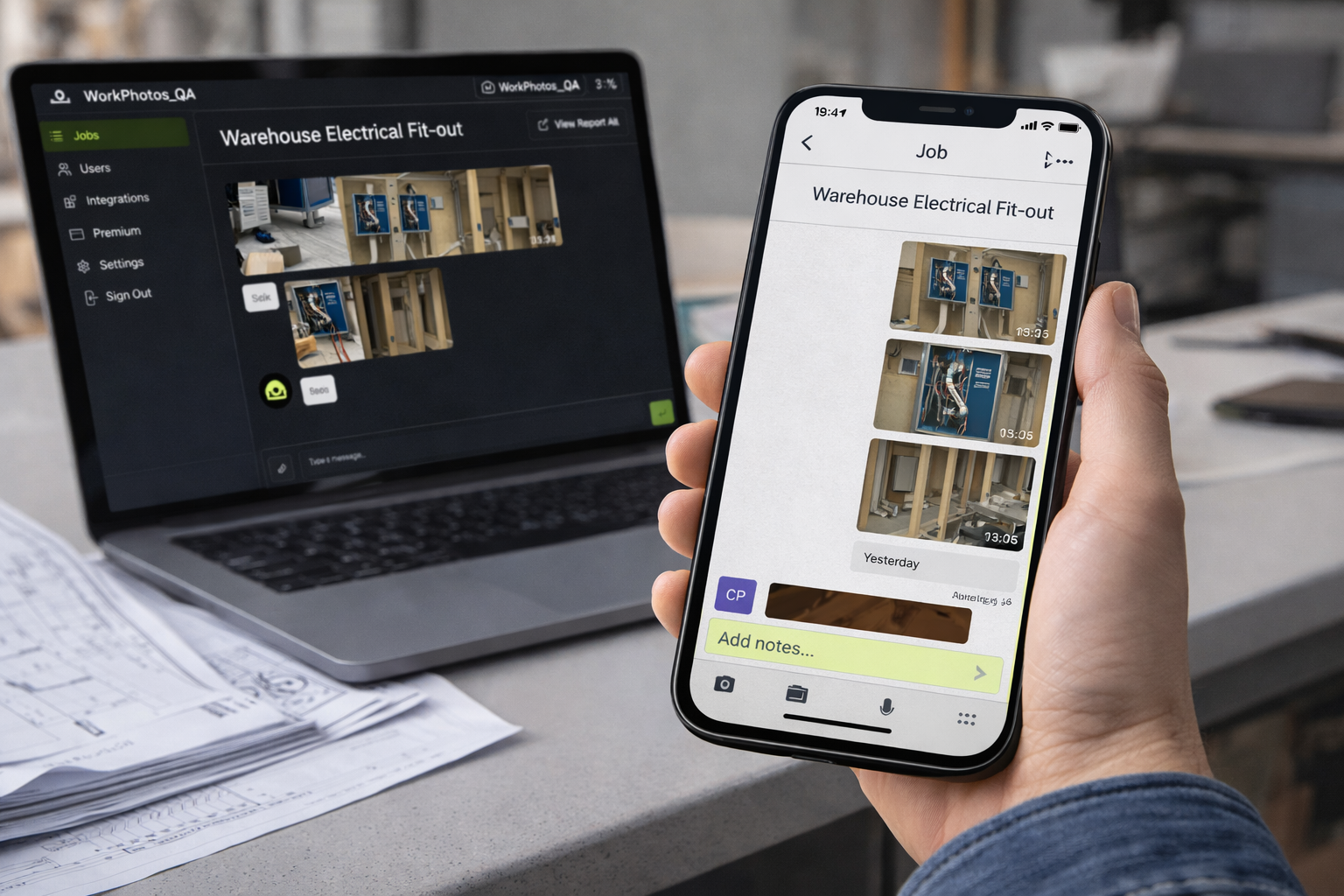
Take photos directly from your phone while you are on site. Every photo is saved to the correct job automatically.
Photos are automatically timestamped, creating a reliable record of when work was completed.
Automatic Timestamps
Photos are grouped by job and workspace, making it easy to review progress, find specific images, and share updates later.
Organized by Job
From Job Site to Client in Minutes

Take Photos + Annotate
Capture photos on site and add notes at the same time.

Photos Save to the Job
Each photo is filed into the correct job folder straight away.
Sync to the Cloud
Photos upload so the office and client can access them instantly.

Instantly send photos to clients using a job photo report.
CREATE REPORT
Who uses WorkPhotos?
WorkPhotos is used by trade and construction teams that need clear, reliable photo records of work on site.
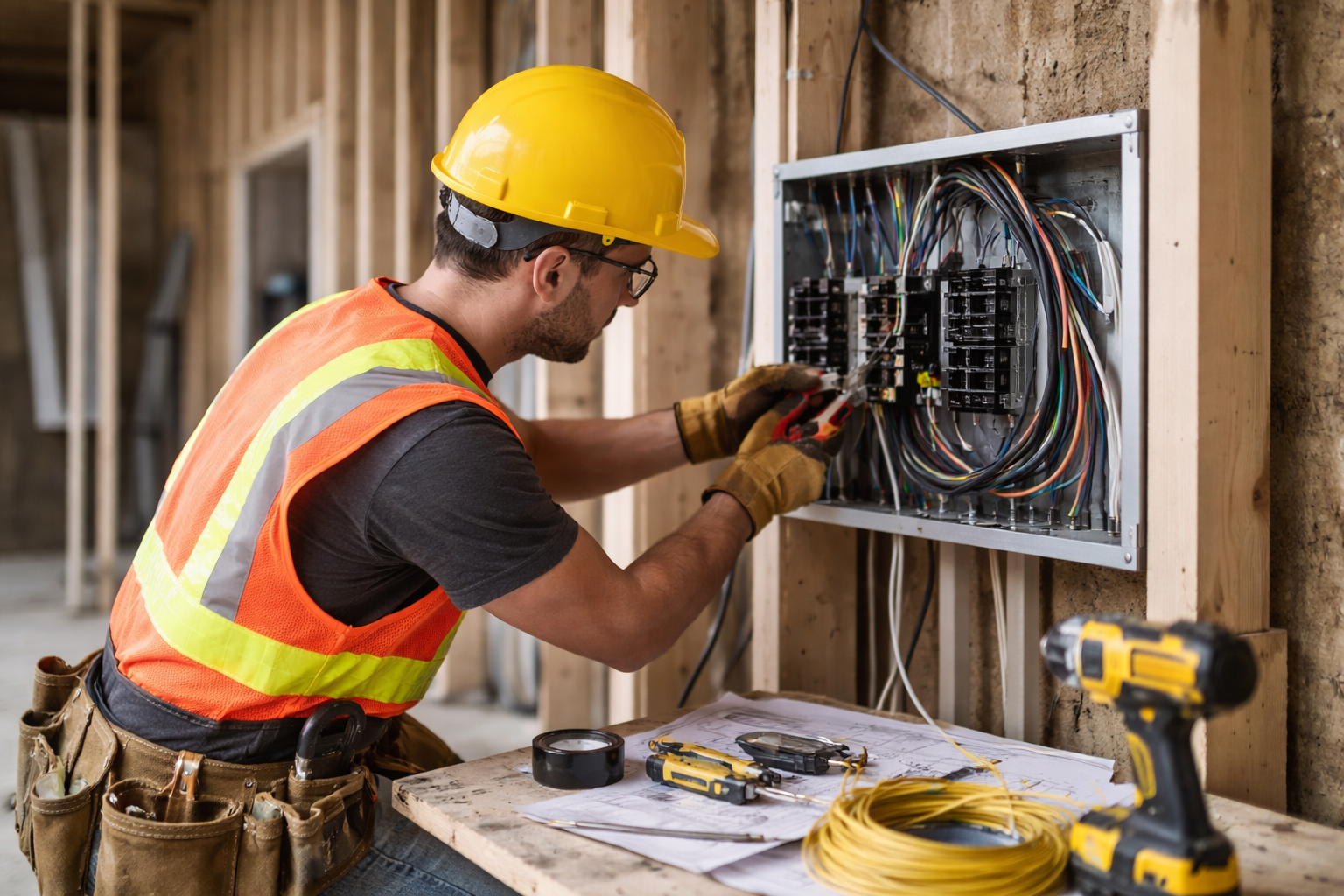
Document installs, defects, and compliance photos
Create evidence for sign-off and safety checks
Electricians
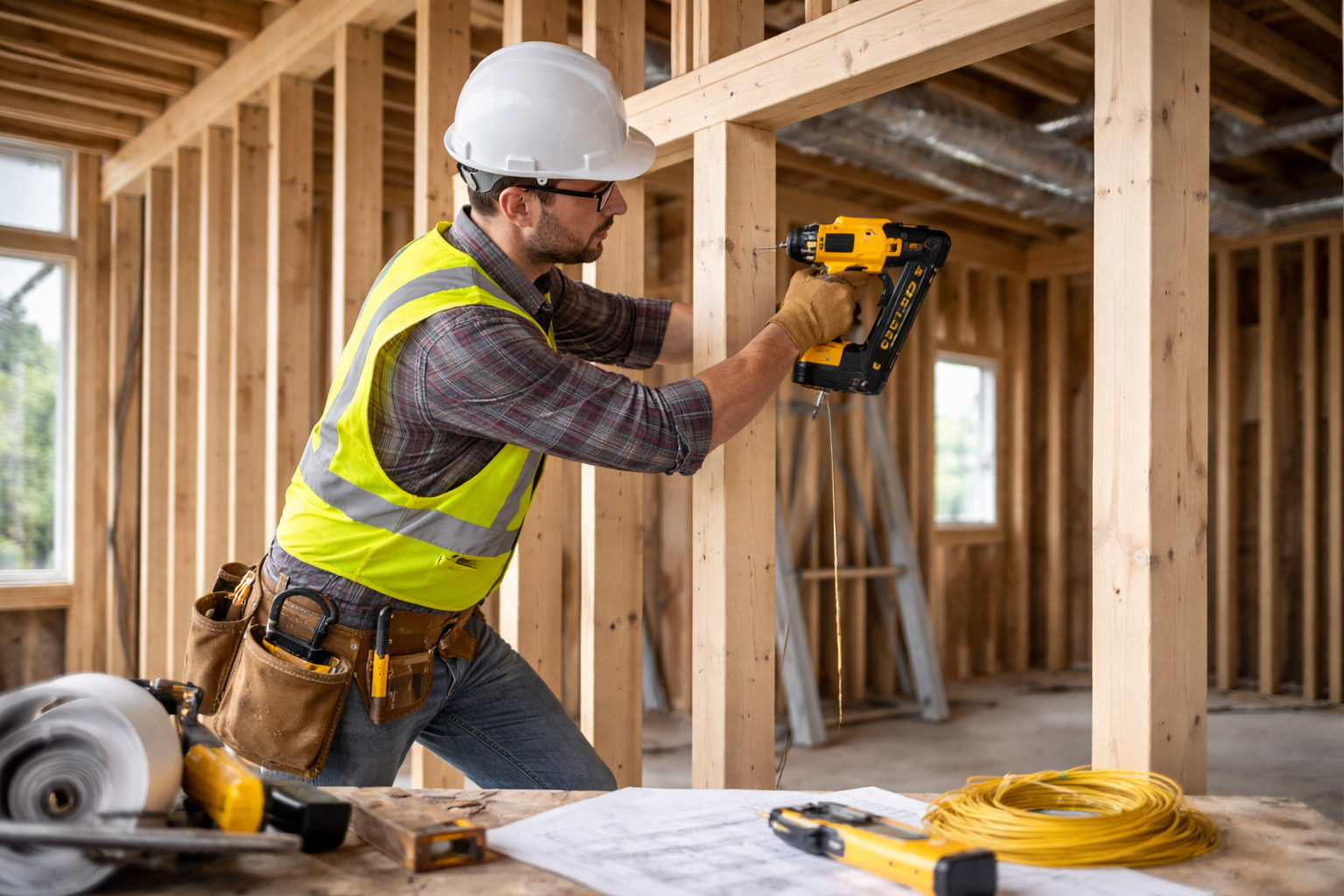
Track progress and variations by date
Create handover and client reports
Builders

Capture before and after work
Record hidden or in-wall installations
Plumbers

Monitor multiple jobs remotely
Share progress with clients and stakeholders
managers
Why teams switch to WorkPhotos
Most photo documentation tools add friction to simple on-site work. WorkPhotos is built to remove it.
What teams use job photos for
WorkPhotos helps you capture proof, track progress, and keep everyone aligned across the job.
Daily/weekly photo logs
Photos organised by job and date
Progress tracking
Snagging photos with notes
Clear before-and-after evidence
QA and defects
Compliance and safety
Site conditions and toolbox talk evidence
Records ready when requested
Handover and client updates
Client-ready photo report
Faster approvals and fewer disputes
Built for real work on site
WorkPhotos is designed for trades and construction teams. It works offline, keeps photos tied to jobs, and removes admin after the work is done.
Take photos directly from your phone while you are on site.
Works on site
No training required
Anyone can use it in seconds
Timestamps, notes, and job context included
Built for evidence
Start capturing job photos properly
Stop chasing photos. Get clear records from day one.